Currency exchange
Keep more with every exchange
More money, more control, more opportunities. Do business around the world in 25+ currencies, at the same rates banks use.¹ Easily secure your ideal prices with automatic orders, alerts, and forward contracts.

Exchange at the interbank rate¹
Save as you exchange, send, or spend in foreign currencies — and tap into new markets with ease. Explore our plans to get the monthly exchange allowance you need, with zero fees.
¹Within allowance, during market hours. Otherwise, fees may apply.
Open an account- Hold and exchange 25+ currencies
- Transfer 35+ currencies globally
- Exchange as you pay in 130+ currencies
Get the right rate, in your sleep
Use Limit and Stop orders to exchange currencies automatically when the price is right. Just set the rate, currency, and amount, and we’ll handle the rest.
Set up now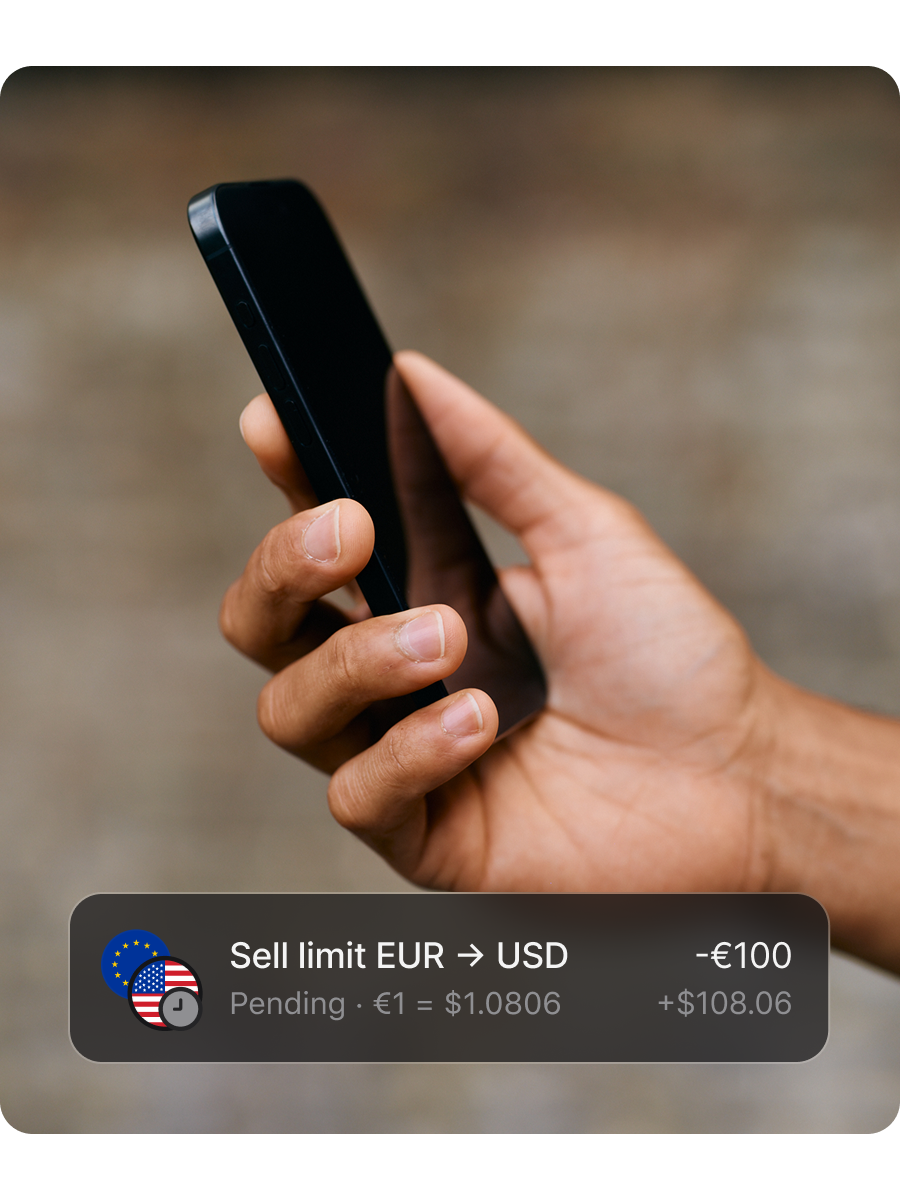
Eliminate the guesswork
Know when currencies hit your target price with automatic alerts, and take advantage of positive trends at the right moment. Plus, check live and past rates anytime, for any available currency, so you stay in the loop.
Get started
Lock in the future
Forecast confidently by fixing exchange rates for up to 2 years in USD, GBP, and EUR with FX Forwards. Exchange on specific or flexible dates, and rest easy knowing you’ll stick to your budget and protect your capital, no matter how the markets move. Fees and T&Cs apply.
Discover FX Forwards
Take control of your currency exchange
Need more info?
FAQs
With Revolut Business, you can exchange currencies at the interbank rate, which is the same rate banks use. We don't apply any additional markups during market hours and within your plan's allowance. The rate also applies if you're sending international transfers or spending in foreign currencies.
The amount you can exchange per month at this rate depends on your plan, and you can always upgrade if you need a higher allowance.
We determine the rate based on market conditions like liquidity and volatility. It varies due to market fluctuations, and it may differ from averages published by other sources. The amount of money you receive depends on the exchange rate in effect when you complete your exchange, and the rate you get outside market hours might be different from the rate that's available when the markets are open.
The exchange fees that may apply will depend on when and how much you're exchanging.
You won't pay any additional fees if the amount you're exchanging is within your plan's monthly allowance and you're completing the exchange during market hours (23:00 GMT Sunday to 22:00 GMT Friday).
Otherwise, the following fees will apply:
- You'll pay a 0.6% fee for any exchanges above your plan's monthly allowance
- You'll pay an additional 1% fee when you exchange outside of market hours, regardless of your plan
You can exchange and keep 25+ currencies in your Revolut Business account.
- Open your Revolut Business app
- Select Exchange on your Home screen if you're using the web app, or tap the 3 dots → Exchange on mobile
- Choose the currencies you want to exchange and enter the amount
You can find your currency exchange allowance, usage, and billing date by going to Billing.
Your allowance indicates the amount of money you can exchange at the interbank rate without additional fees (during market hours). This amount depends on your plan, and you can always upgrade if you need a higher allowance.
Your available allowance resets on your plan's billing day (though there can be a delay of up to 24 hours between the time the subscription fee is charged and when your allowance resets).
If you need to exchange amounts above your plan's allowance, you’ll pay a flat fee of 0.6%.
A market order is an order to buy or sell a currency at the market’s best current available price. It's usually executed immediately, but doesn't guarantee a specific price. This is the type of order investors use when they want to fill their orders quickly.
A limit order is an order to automatically buy or sell currency at a price you choose, or better. Buy limit orders are executed at your specified price or lower, and sell limit orders are executed at your specified price or higher.
Limit orders aren't guaranteed — the exchange will only happen if the price of a currency increases or decreases to your set limit price. If it doesn't, your order is left unfilled.
With a stop order, you place a threshold (or ‘stop’) on how much you’ll buy or sell a currency for. Your order triggers when the current price moves beyond your stop price. It may execute at a different price (lower or higher than your stop price), depending on fluctuations.
Stop orders aren't guaranteed to execute until the price of the currency reaches the set stop price.