Mexican currency
If you’re planning a trip to Mexico, find out more about Mexican currency exchange before you go, including tips on how to save with your Revolut multi-currency card.
What's the currency in Mexico?
Mexico uses the Mexican Peso as its official currency.
If you’re exchanging money before your trip to Mexico, keep an eye out for the currency code MXN, and check out our currency converter to find out how much your money's currently worth in Mexican Pesos.
Once you’re in Mexico, you’ll see the symbol $ used to show prices at shops and restaurants.
Want to pay in cash like a local? You'll find Mexican Peso banknotes in MXN 20, MXN 50, MXN 100, MXN 200, MXN 500, MXN 1,000, MXN 2,000, MXN 5,000, MXN 10,000, MXN 20,000, MXN 50,000, MXN 100,000, MXN 200,000, MXN 500,000. Each Mexican Peso is divided into 100 centavos, with coins in 5 centavos, 10 centavos, 20 centavos, 50 centavos, 1 peso, 2 pesos, 5 pesos, 10 pesos, 20 pesos, 50 pesos, 100 pesos.
Exchange rates are dynamic. Always remember to check the applicable rate in-app before carrying out your exchange.

Spend in Mexican currency with Revolut
It's the only travel money card you'll need.
Just add money to your account in any of 36 currencies and pay with your Revolut card in Mexico as usual. We'll convert your money to MXN for you.
Don't stop exploring — use your card to pay in 150+ other currencies worldwide, again and again.
Exchange fees apply.
Check it out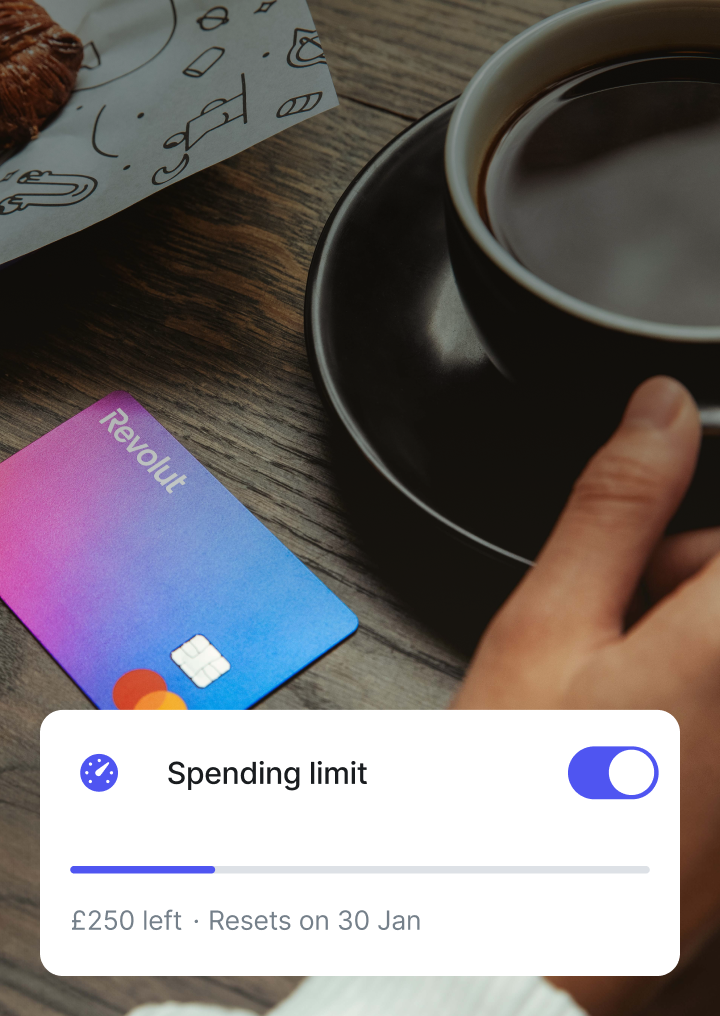
One debit card for all your spending in Mexico
Whether you're withdrawing cash or paying with your mobile wallet, customise your card usage in Mexico.
Pay contactless
Link your card to Apple Pay or Google Pay, and race through checkout with just your phone wherever Visa and Mastercard are accepted.
Go contactlessCreate virtual cards
Prefer to go digital? Create up to 30 virtual cards in-app and manage your spending entirely online. Bonus tip — create a disposable virtual card for extra secure online shopping.
Check out our virtual cardsWithdraw cash with no Revolut fees
Find an ATM nearby with our in-app ATM locator and withdraw cash with no fees from us, whenever you're within your plan's limits.
Find an ATM in-appCustomise card security features
Freeze your card in a tap if it goes missing, then unfreeze it when you're ready to start spending again. Now that's security that'll give you the chills.
Explore card securityPay contactless
Link your card to Apple Pay or Google Pay, and race through checkout with just your phone wherever Visa and Mastercard are accepted.
Go contactlessCreate virtual cards
Prefer to go digital? Create up to 30 virtual cards in-app and manage your spending entirely online. Bonus tip — create a disposable virtual card for extra secure online shopping.
Check out our virtual cardsWithdraw cash with no Revolut fees
Find an ATM nearby with our in-app ATM locator and withdraw cash with no fees from us, whenever you're within your plan's limits.
Find an ATM in-appCustomise card security features
Freeze your card in a tap if it goes missing, then unfreeze it when you're ready to start spending again. Now that's security that'll give you the chills.
Explore card security
Withdraw cash in Mexico with no Revolut fees
While most shops in Mexico accept Visa or Mastercard, having cash on hand is always a good idea. Embark on all your adventures knowing you've got easy access to ATM withdrawals whenever you need them.
Standard
No Revolut fees on ATM withdrawals up to £200 or 5 withdrawals per rolling month.
Plus
No Revolut fees on ATM withdrawals up to £200 per rolling month.
Premium
No Revolut fees on ATM withdrawals up to £400 per rolling month.
Metal
No Revolut fees on ATM withdrawals up to £800 per rolling month.
Ultra
No Revolut fees on ATM withdrawals up to £2,000 per rolling month.
After you reach your rolling monthly limit, you'll pay a 2% fair usage fee. Exchange fees and third-party ATM fees may also apply.
Your top money savers
Tips for exchanging money in Mexico
Don't exchange at airports or at home
Instead, use your Revolut card to spend or withdraw money from an ATM while you're in Mexico (watch out for exchange fees, withdrawal limits, and third-party ATM fees). You'll avoid overspending on exchanging cash before you travel.
Choose the local currency
To avoid third-party dynamic currency conversion (DCC) fees while spending with your card in Mexico, always choose to pay in Mexican Pesos at shops and restaurants.
Save on travel money with a Revolut card
Spend in Mexican Pesos at competitive rates on your next trip to Mexico, with no additional currency exchange fees on weekdays within your plan's limits. T&Cs apply.
Exchange to Mexican currency with Revolut
Whether you're sending or spending abroad, we've got something for you.
Convert GBP to MXN
Check out our currency converter to see how much your GBP is worth in MXN with our exchange rates and fees.
Transfer money to Mexico
Send money to Mexico in just a few taps. We'll handle the currency conversion for you.
Spend in MXN
With competitive exchange rates and fees, you can use your multi-currency Revolut card to spend like a local to Mexico.
Exchange rates are dynamic. Always remember to check the applicable rate in-app before carrying out your exchange.
Beyond currencies, beyond borders
Explore essential travel and currency features
Explore a suite of powerful tools designed to make your international finances, travel, and currency management effortless.
Currency conversion
Exchange 36 currencies in just a few taps and spend like a local. Delivery fees apply.
International money transfer
Fast, secure, and low-cost transfers to over 150 countries.
Travel money card
Get your multi-currency card and spend in 150+currencies while you travel the world.
Travel insurance
International travel insurance to protect your trips. Insurance T&Cs apply.
International eSIM card
Get affordable data plans for your travels, directly in-app. eSIM T&Cs apply.
Exchange, remittance fees, and fair usage limits apply.
Pick your next destination
Check out our other currency guides
Mexican currency FAQs
Like all cities in Mexico, Mexico City uses the Mexican Peso as its official currency. Each peso is divided into 100 centavos.
While you're in Mexico, you’ll see the symbol $ in shops and restaurants. If you're exchanging currencies, keep an eye out for the currency code MXN.
When you use your card in Mexico, you'll often be asked whether you want to pay in British pounds. This is called dynamic currency conversion (DCC). While it may make it easier to understand exactly how much you're paying in your home currency, you'll often get a poor exchange rate and pay additional fees.
Our go-to tip? When you're in Mexico, always choose to pay in the official Mexican currency: the peso. When you spend with your Revolut debit card, we'll take care of the currency exchange, so you'll get competitive rates and fees.
Get your Revolut card now.Yes, you can use your Revolut card at any shops, restaurants, and hotels in Mexico that accept Visa and Mastercard.
All you have to do is add money to your account in any of our 36 supported currencies and pay with your card as usual. We'll automatically exchange to MXN at the Revolut exchange rate.
You can also make ATM cash withdrawals in Mexican Pesos with your multi-currency card. You won't pay any Revolut ATM fees if you're within your plan's monthly fair usage limits:
- Standard: up to £200 (or 5 withdrawals, whichever comes first)
- Plus: up to £200
- Premium: up to £400
- Metal: up to £800
- Ultra: up to £2,000
These limits are set on a rolling monthly basis. This means they'll reset every month from the date you opened your account or the date you changed your plan. You can check your remaining monthly allowance in-app.
Check out our Help Centre for more on ATM withdrawal limits.
Here's how you can get your Revolut travel money card:
- Download our app for iOS or Android, and sign up for an account in just a few minutes
- Tap the card icon on your home screen, go to + Add new, and choose whether you want a physical card, a virtual card, or both
- Add money to your account in any of 36 supported currencies
- Start spending online and in shops with your virtual card straight away. We'll handle the currency conversion for you
- Once your physical card arrives, you can start making ATM withdrawals as well
Delivery fees apply.